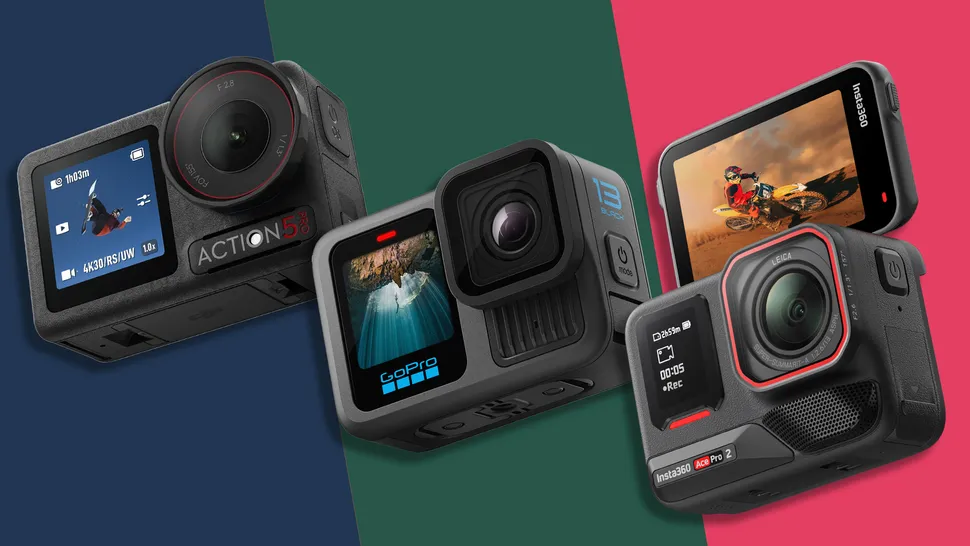
There’s never been more choice for action seekers
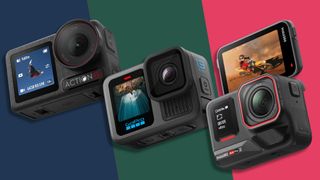
(Image credit: DJI / GoPro / Insta360)
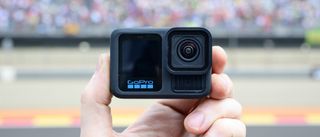
GoPro Hero 13 Black review: a refined flagship with enviable accessories
Another refined GoPro offering still lacking 8K, but the new Lens Mods design is a win
For
- Superb new auto-detected Lens Mods
- Improved battery life and heat dissipation
- Excellent-quality 5.3K video
- Decent Quik app for quick edits
Against
- Sensor and video resolution unchanged from predecessor
- Low-light image quality not the best
- Processing time needed for slow-mo videos
- Additional cost of Lens Mods adds up
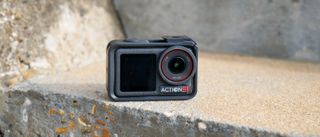
DJI Osmo Action 5 Pro review: a seriously feature-packed action camera
A pro-friendly Hero 13 Black rival with clear 4K video, excellent build quality and superb battery life
For
- Good dynamic range and detail
- Dual OLED screens
- Waterproof to 20m without case
- Long battery life
- Works superbly with DJI Mic 2
Against
- No 5.3K+ video option
- SuperNight mode is merely okay
>>>Action5Pro Battery for DJI Osmo Action 5 4 3
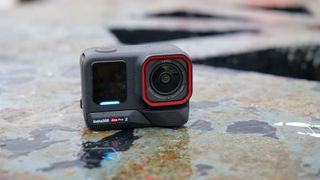
Insta360 Ace Pro 2 review: a rounded upgrade
Much improved 4K video to match rivals, plus unique flip screen, but 8K is gimmicky
For
- Excellent all-round video
- Good low-light image quality
- Impressive audio from built-in mics
- Works slickly with Insta360 mobile app
Against
- No built-in storage
- Flip screen might not appeal to some
- 8K recording comes with lots of caveats
When Insta360 launched theAce Pro 2, it was clear that the series had come of age, with the new model ready to challenge theHero 13 BlackandOsmo Action 5 Pro. We now have three highly capable action cameras from three big names: GoPro,DJI, and Insta360. But which one is thebest action camera?
Truth is, each camera is better than any other model that has previously existed, and each model will serve you well capturing your adventures in stunning clarity, ably supported by image stabilization for smooth footage. However, each camera has its own take on the format and distinct advantages over the others in certain areas; so rather than address which one is best overall, which is a near-impossible task, the more useful question that we’ll aim to answer is:which one is the best for me?
This three-way versus piece highlights the key differences between these 4.5 star-rated cameras, and their common features. Hopefully, when you’ve read it you should have a better idea of which camera is best for your particular demands.
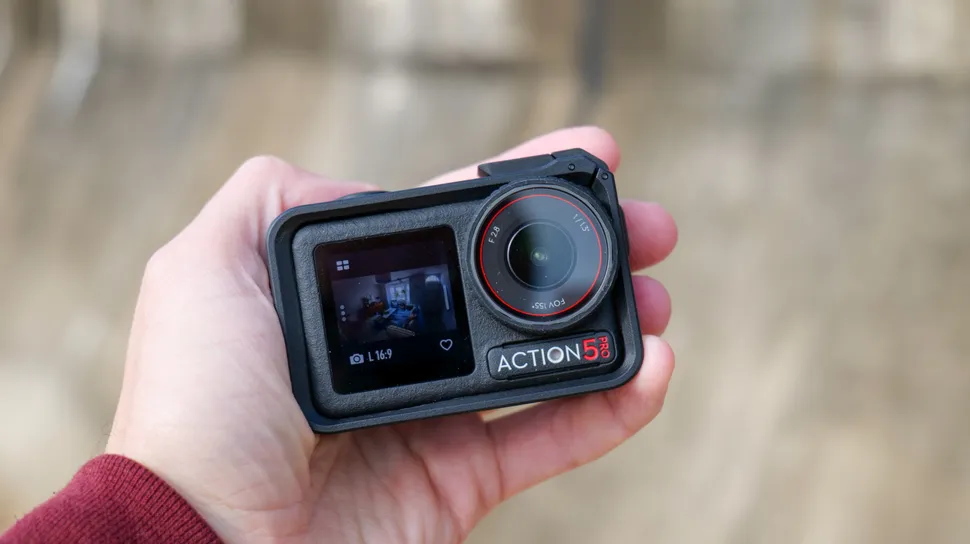
The Osmo Action 5 Pro costs the less than the Hero 13 Black and Ace Pro 2, but there are good-value bundles to be had with the other models
>>>BCX202 Battery for DJI Osmo Action 3 4
1. Insta360 Ace Pro 2 vs GoPro Hero 13 Black vs DJI Osmo Action 5 Pro: price and availability
- Insta360 Ace Pro 2 from $399.99
- Hero 13 Black from $399.99
- Osmo Action 5 Pro from $349
The GoPro Hero 13 Black came first on September 4 and hit the shelves later that month, costing $399.99 for the standard bundle. The DJI Osmo Action 5 Pro followed two weeks later on September 19, and undercut GoPro with a lower asking price of $349 for a standard bundle. Then came the Insta360 Ace Pro 2 on October 22, at virtually the same price as the Hero 13 Black (unless you live in Australia where it’s pricier), costing $399.99.
DJI wins on price outright. However, there are variations in price when you start considering the bundles on offer with additional accessories, and many people will want to consider one of these depending on what they plan to use their camera for. It’s certainly worth checking out what accessories are available, and how much they add to the cost. For example, GoPro’s ‘Accessories’ bundle costs around the same as DJI’s Adventure Combo, with the two priced at $449 and $449 respectively.
- Price winner: DJI Osmo Action 5 Pro

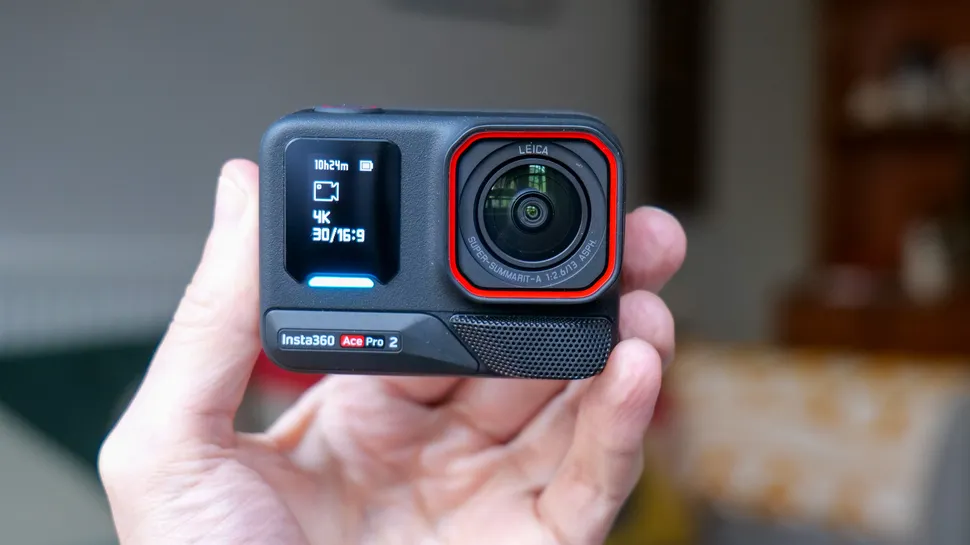
The Ace Pro 2’s screen can be flipped up for the largest selfie display of the three cameras here, plus it can be tilted up for easy waist-level viewing
>>>BHX212 Battery for DJI Osmo Pocket 3
2. Insta360 Ace Pro 2 vs GoPro Hero 13 Black vs DJI Osmo Action 5 Pro: design and displays
- Ace Pro 2: Flip up 2.5-inch rear touchscreen
- Hero 13 Black: twin LCD screens, only the 2.27-inch main screen is touch sensitive
- Osmo Action 5 Pro: twin OLED screens, both touch sensitive, 2.5-inch main screen
Insta360 takes a unique approach to screen design in that its Ace Pro 2 is the only camera here with a flip-up rear touchscreen. At 2.5 inches it’s the largest display too. There’s also a small front LCD, but that’s for menus only, and doesn’t display the image when you’re taking selfies.
GoPro and DJI, on the other hand, utilize a front and rear dual-screen arrangement, and DJI has the upper hand over GoPro here: its Osmo Action 5 Pro has cutting-edge dualOLEDtouchscreens, while the Hero 13 Black has simpler dual LCDs, and only the rear screen is touch sensitive. The Osmo Action 5 Pro’s rear screen is larger than Hero 13 Black’s too, at 2.5 inches against 2.27 inches.
Both DJI’s and GoPro’s screens offers similar brightness levels, but overall DJI’s screens are better than GoPro’s. So what about the Insta360 Ace Pro 2? Well, there are distinct advantages to the Ace Pro 2’s flip-up screen: you get the largest selfie display for easier viewing, plus the screen can rest at any angle within its 180-degree range. That means you can tilt it up 90 degrees for easier viewing at low angles – and that facility will come in handy a lot, trust us. One example is when the camera is mounted to a bike – you can easily see the screen while riding.
It’s not a one-way street though. For selfies you need to take that extra step of flipping the screen up, whereas the Osmo Action 5 Pro’s fixed selfie screen is always there, even if it is smaller. There’s also the impact on design and durability overall. Action cameras are likely to take plenty of knocks, and the additional mechanisms in the flip-up screen could prove to be a point of weakness that the GoPro and DJI models don’t have – we haven’t broken an Ace Pro-series screen yet though.
The Ace Pro 2 is also a little larger than its rivals, and that’s no doubt due in part to its screen design. Which screen is best? It depends on how you’re using your camera, but the Ace Pro 2’s is the most versatile.
- Design and displays winner: Insta360 Ace Pro 2
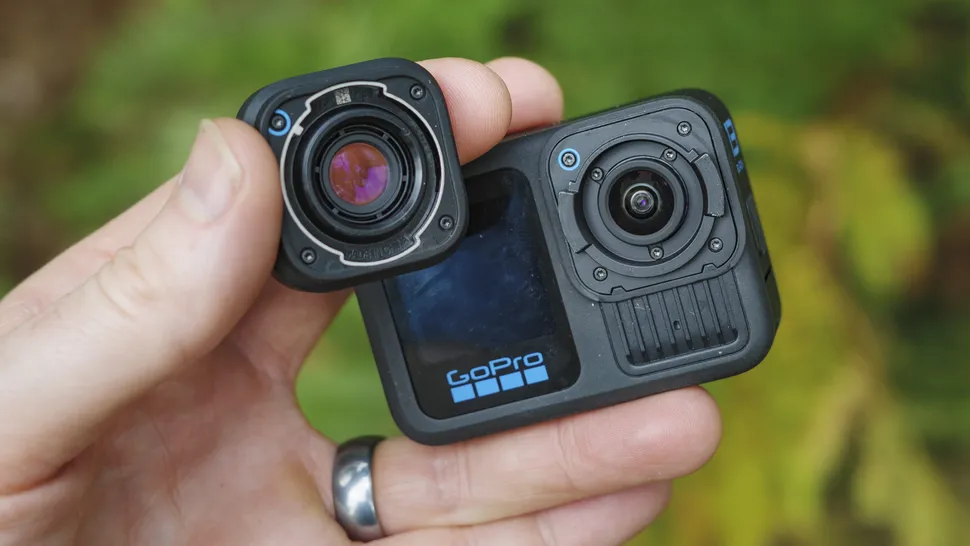
The Hero 13 Black’s best new feature is its auto-detected lens mount system. Add one of the HB-series of lenses or ND filters and the camera will automatically optimize settings accordingly
3. Insta360 Ace Pro 2 vs GoPro Hero 13 Black vs DJI Osmo Action 5 Pro: design and accessories
- Ace Pro 2: 39ft / 12m waterproofing, physically larger, integrated wind guard
- Hero 13 Black: 33ft / 10m waterproofing, HB-series of lenses and filters, three ways to mount
- Osmo Action 5 Pro: 66ft / 20m waterproofing, easy Bluetooth mic connectivity, 47GB internal storage
GoPro action cameras have been around the longest and enjoy the widest range of accessories, and dedicated accessories are what you’ll likely need to secure your camera for capturing the action. The Hero 13 Black also gained a new HB-series of lenses and ND filters, which opens up some exciting possibilities.
At the Hero 13 Black launch, GoPro also announced a macro lens with focus ring, an ultrawide lens (essentially the same as the previous Max Mod for the Hero 12 Black), and a set of four ND filters, plus an anamorphic lens that’s due in 2025.
What’s best of all is that these lens mods and filters are auto-detected by the Hero 13 Black, which will automatically optimize that camera settings accordingly. The Macro lens mod is especially handy for vlogging because it gives you a 4x shorter close-focus distance – the 40cm (approx) close-focusing distance of all the cameras, Hero 13 Black included, can make vlogging a challenge.
All three cameras have removable lens protectors, magnetic mounting as well as screw-on mounting, plus a durable build quality. The Osmo Action 5 Pro boasts the best waterproofing plus a built-in depth gauge, although there are also underwater cases available to further improve the waterproofing for serious divers – GoPro offers an optional 60m-proof underwater case.
Each camera also offers Bluetooth connectivity for accessories such as wireless mics. However, if you use any of DJI’s wireless mics with the Osmo Action 5 Pro, such as the Mic 2, the experience feels a lot slicker and streamlined than connecting third-party mics, as you’ll need to do with the other two cameras.
The Osmo Action 5 Pro is the only camera to offer internal storage, to the tune of 47GB. It otherwise records onto microSD, like the other cameras.
- Design winner: GoPro Hero 13 Black
4. Ace Pro 2 vs GoPro Hero 13 Black vs DJI Osmo Action 5 Pro: sensor and image quality
- Ace Pro 2: 1/1.3-inch sensor, limited 8K video, 4K 60fps, up to 50MP photos
- Hero 13 Black: 1/1.9-inch multi-aspect sensor, 27MP photos, 5.3K video
- Osmo Action 5 Pro: 1/1.3-inch sensor, up to 40MP photos, 4K video
Insta360 and DJI go toe-to-toe in their sensor specs. Both are 1/1.3-inch, being larger than the GoPro’s, capable of shooting 50MP and 40MP stills respectively. We’ve shot night footage side by side with the two cameras, and you can see the results above – the quality is pretty similar, and streets ahead of the GoPro’s.
Both Insta360 and DJI also claim up to 13.5 stops of dynamic range. Presumably that’s in the optimizedHDRvideo mode – while the two cameras also offer night modes, called PureVideo (in4Kup to 60fps) and SuperNight respectively (in 4K up to 30fps).
The Ace Pro 2 is also the only camera here with8Kvideo. However, it comes with a few limitations: the field of view is smaller, it doesn’t support the camera’s best image stabilization, nor can you shoot with the new I-Log color profile. We can’t knock Insta360 for including it, especially as the other cameras don’t have it, but don’t pin your hopes on the Ace Pro 2’s 8K footage.
GoPro’s Hero 13 Black is the only camera to offer 5.3K video, together with HDR and HLG modes to eliminate blown highlights in bright clouds. Its 8:7 aspect 1/1.9-inch sensor is good for mixing up shooting horizontal, square and vertical footage, while its 27MP stills are decent.
When shooting in bright light the cameras are evenly matched, and so it comes down to taste really, with the Hero 13 Black arguably having the edge, while in low light the Ace Pro 2 and Osmo Action 5 Pro are evenly matched, with both outperforming the GoPro.
- Sensor and image quality winner: Tie
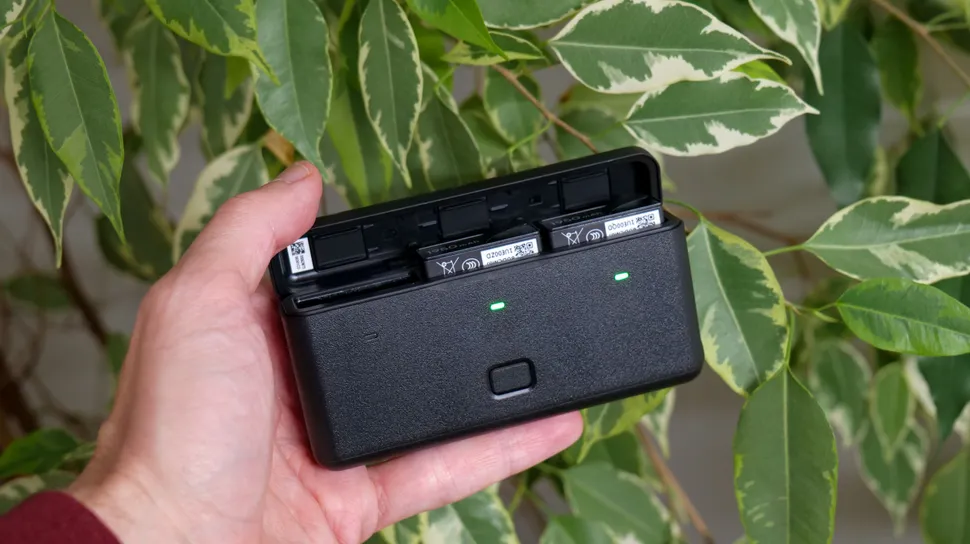
The battery hub of the Osmo Action 5 Pro can recharge batteries quicker than its rivals
5. Ace Pro 2 vs GoPro Hero 13 Black vs DJI Osmo Action 5 Pro: battery life
- Ace Pro 2: 1800mAh battery with up to 3 hours record time (Enduro mode)
- Hero 13 Black: 1,900mAh battery with up to 2.5 hours record time
- Osmo Action 5 Pro: 1,950mAh battery with up to 4 hours record time
Improved battery life was clearly on the agenda for all three brands, with their latest flagships all boasting significantly better performance compared to their predecessors.
According to the specs, the GoPro Hero 13 Black can record 1080p video for up to 2.5 hours and 5.3K video for up to 1.5 hours. That would put it in last place. However, we found the Ace Pro 2’s superior battery life quotes to be generous, we were only able to record around 2.25 hours of 4K 30fps footage, or 70 minutes of 4K 60fps. That’s still an excellent if similar performance to GoPro. GoPro’s battery is a higher capacity cell, but Insta360 has seemingly been able to increase efficiency in its Ace Pro 2 camera.
DJI outdoes both Insta360 and GoPro with its marginally higher-capacity 1950mAh cell and notably higher battery life – the Osmo Action 5 can supposedly last up to four hours of 1080p shooting. It’ll also recharge batteries faster too, although not by much over the Ace Pro 2.
There are endless battery life tests that we could perform that could turn out different results to the quoted times that are based on certain camera settings. Utilizing Wi-Fi and GPS will have an adverse impact on battery life, as will leaving the screens on. You can extend the life of the battery by sacrificing any of those features.
- Battery life winner: Osmo Action 5 Pro
6. Ace Pro 2 vs GoPro Hero 13 Black vs DJI Osmo Action 5 Pro: shooting modes
- Ace Pro 2: 4K 120fps slow-motion, 4K 60fps night and HDR modes
- Hero 13 Black: 4K 120fps slow-mo, 2.7K video at 240fps, 400fps at 720p
- Osmo Action 5 Pro: 4K SuperNight mode, 4K 120fps
There are shooting modes aplenty in all three cameras. Be warned, though: it’s normal for the more exotic modes – like the 8K resolution of the Ace Pro 2 or the 400fps slow-motion recording of the Hero 13 Black – to come with numerous caveats. I’ve already listed the limitations of the Ace Pro 2’s 8K, while the slow-motion recording modes of the Hero 13 Black are hampered by limited record times and prolonged buffering that delays when you can shoot again.
That said, each camera can be commended for offering the above modes that their rivals lack. For example, the Hero 13 Black’s 240fps mode can be shot in 2.7K resolution, whereas its rivals are limited to Full HD, plus it can shoot up to 400fps.
However, it’s the modes that users will typically rely on that should come under closer scrutiny. For example, HDR is extremely handy in good light for maintaining detail in bright highlights such as clouds. The Hero 13 Black can shoot HDR video at full 5.3K resolution, but only up to 30fps – you lose 60fps. Both Ace Pro 2 and Osmo Action 5 Pro can shoot 4K HDR up to 60fps. The Ace Pro 2’s night mode, called PureVideo, can record in 4K 60fps, while you lose that frame rate with the Osmo Action 5 Pro.
The best advice here is do your research. If you know that you’ll use a particular mode a lot, check out if it comes with limitations that could spoil the experience.
- Modes and features winner: Tie
(Image credit: DJI / GoPro / Insta360)
Early verdict
We’ve reviewed each camera in-depth separately, and made basic comparisons between DJI and Insta360’s action cams against the GoPro Hero 13 Black. Each camera is highly capable in its own right, and which the best of the bunch depends on your needs.
GoPro has been in the game the longest, and has the widest range of accessories, which is further growing with its new HB-series of lenses and filters. The implementation of these accessories, particularly the auto-detection skills, is a standout feature. Insta360 is a relative newbie and has some way to go, although it’s active in the 360-degree camera space and has a decent set of accessories that are compatible with the Ace Pro 2, such as selfie sticks.
Of the three, GoPro is the brand that’s moving the slowest in terms of camera development. DJI and Insta360 had some catching up to do, and boy have they done that in a short time. DJI has doubled down on pro-friendly features, delivered superb build quality, battery life, waterproofing and audio recording with DJI accessories. Insta360 has the neat flip touchscreen and an excellent app editor.
Regarding image quality, if you’re shooting in good light, then the best image quality pretty much comes down to taste. We think the Insta360 Ace Pro 2’s 8K video recording is a bit of a gimmick, but its improved 4K video quality and color profiles are a match for its rivals. It’s even a close call between the Ace Pro 2 and Osmo Action 5 Pro for the best low-light performer, with GoPro otherwise lagging behind.
Whichever camera you land on, you have a winner on your hands.

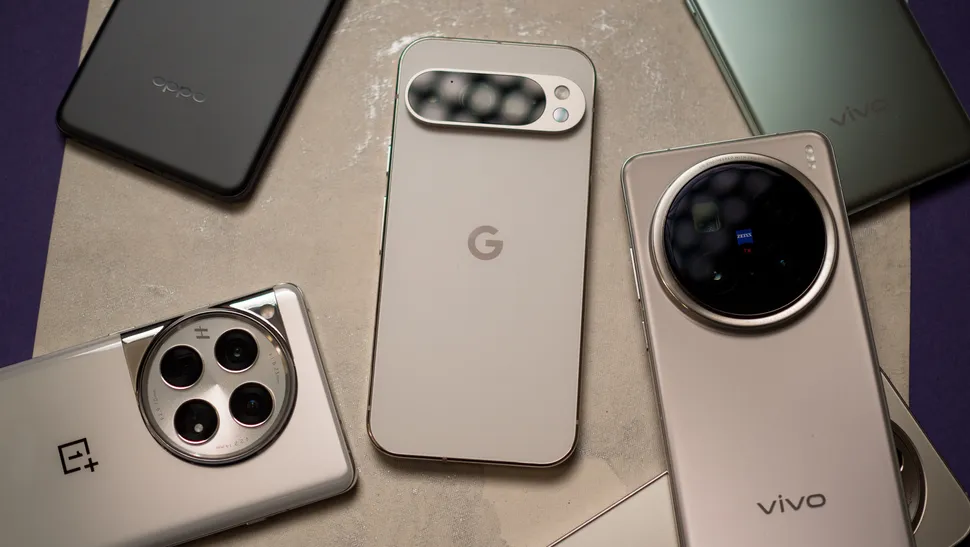

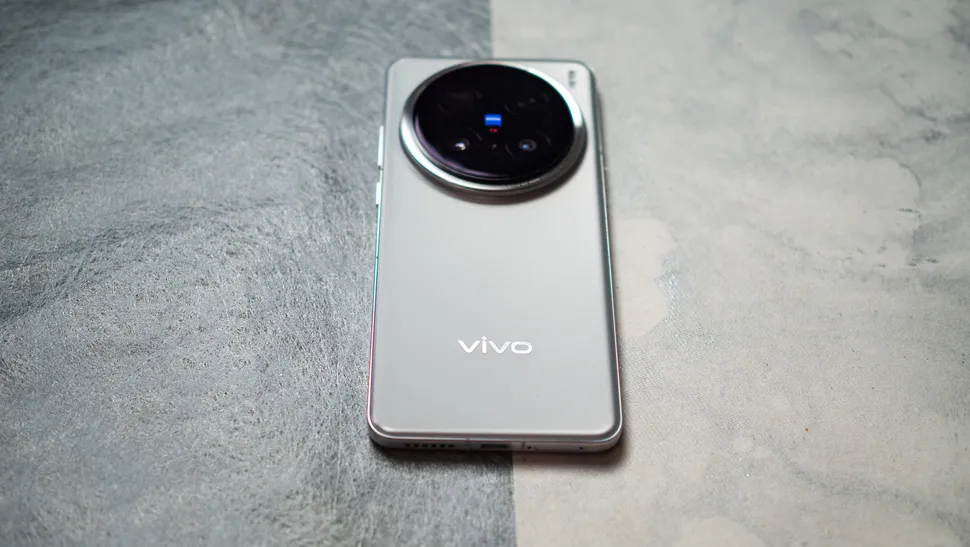
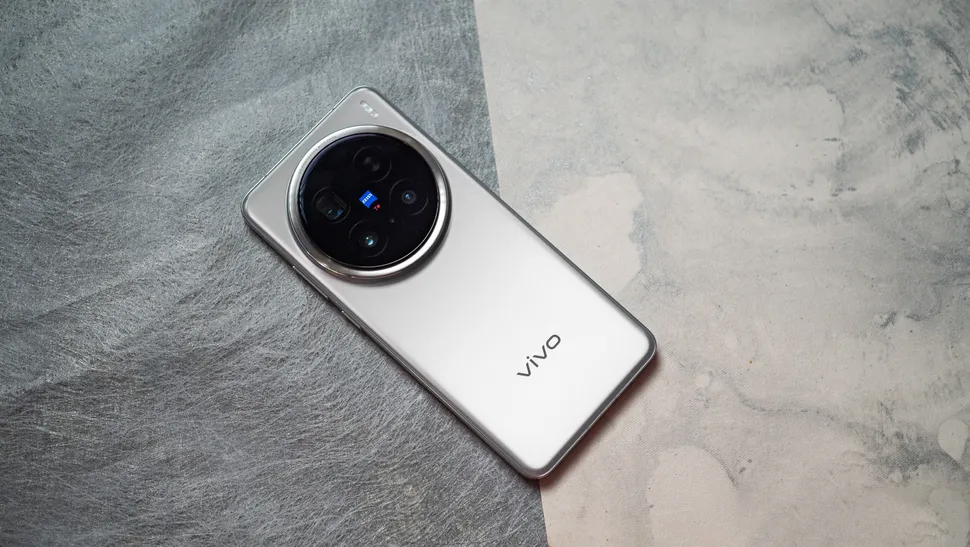
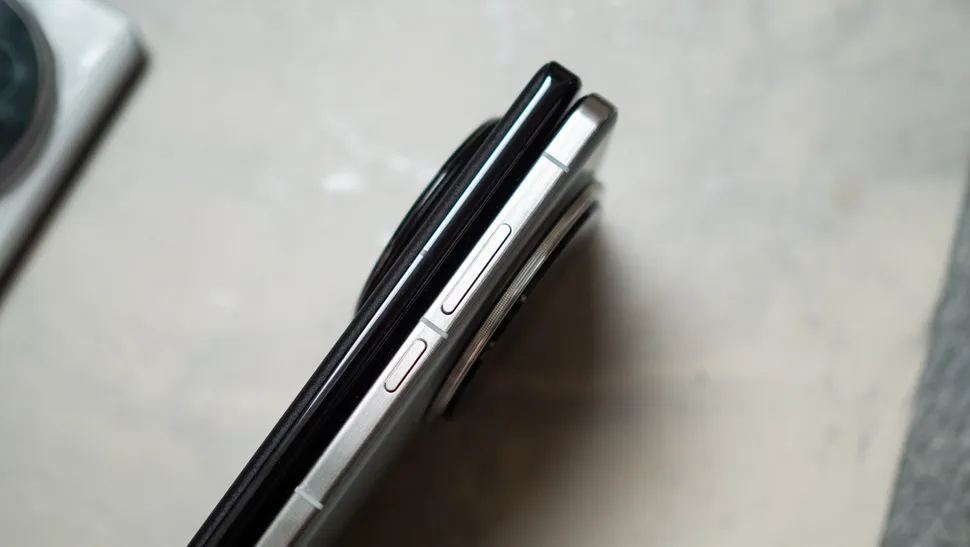
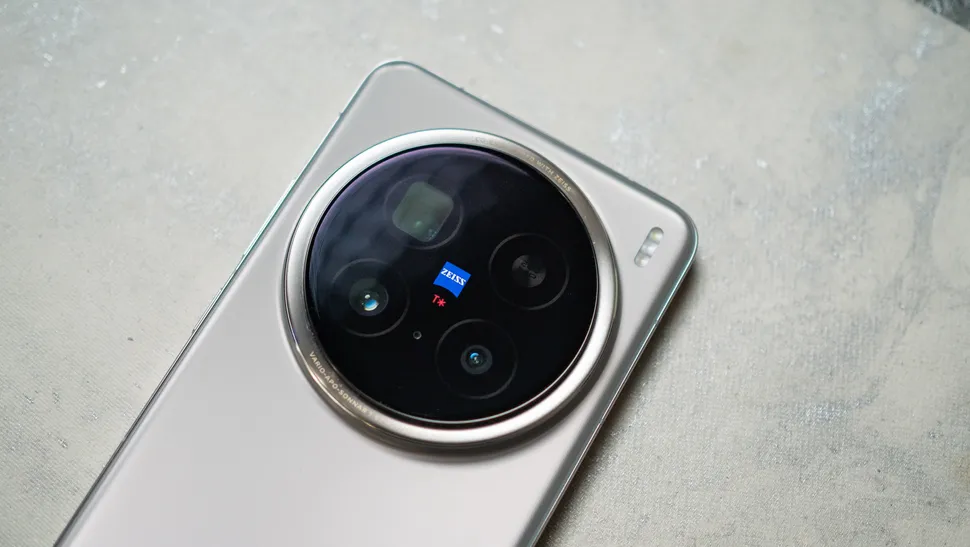
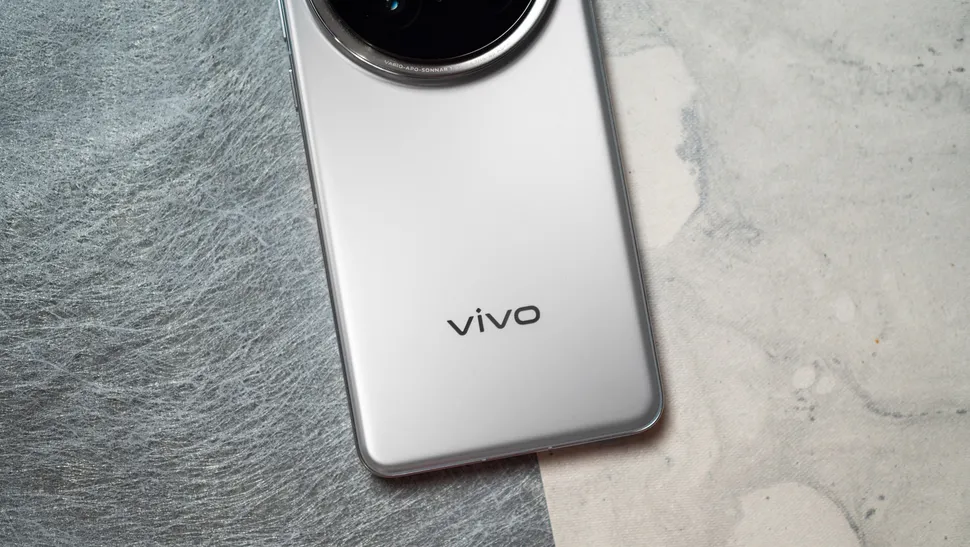
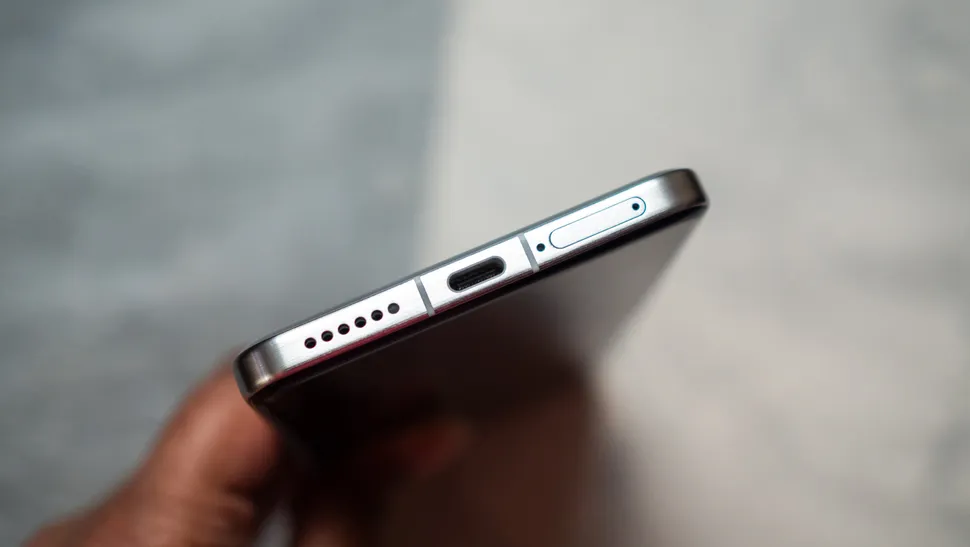
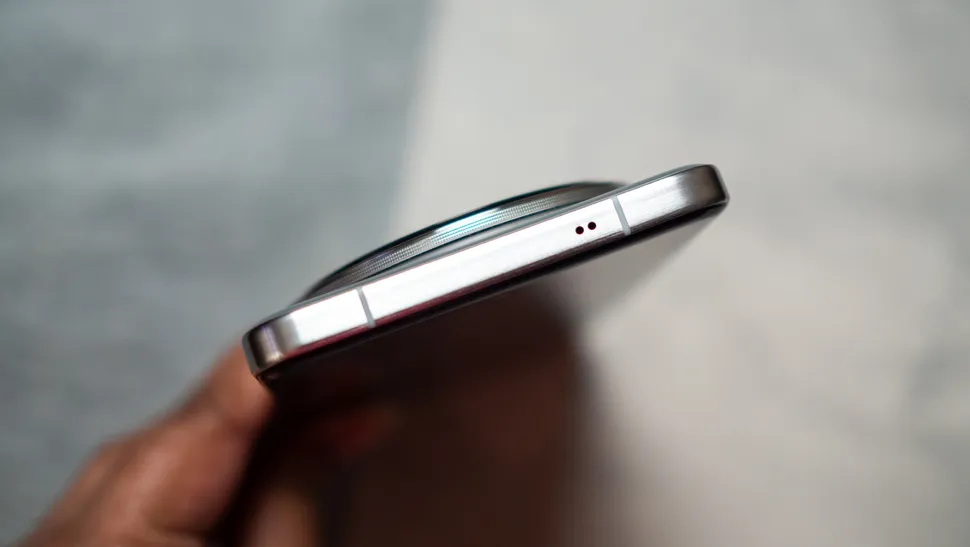
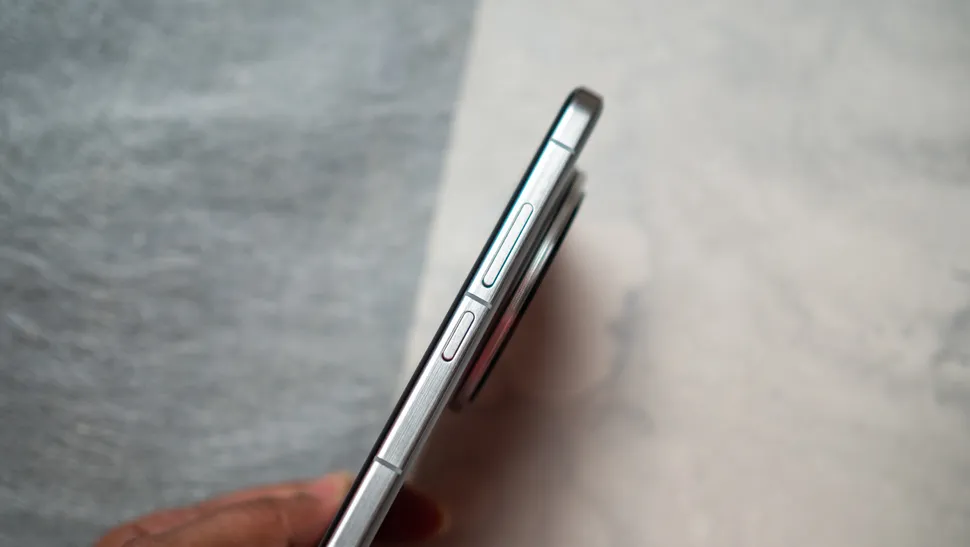


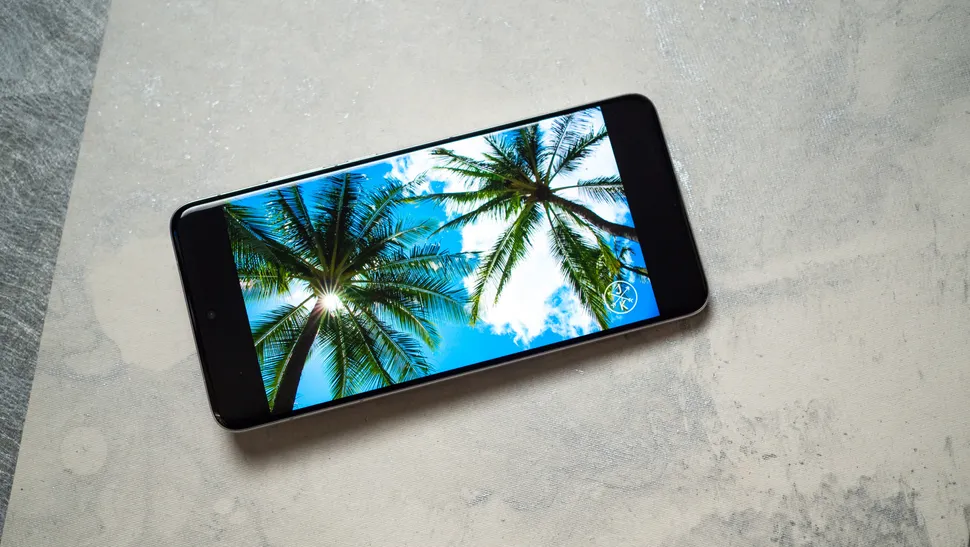

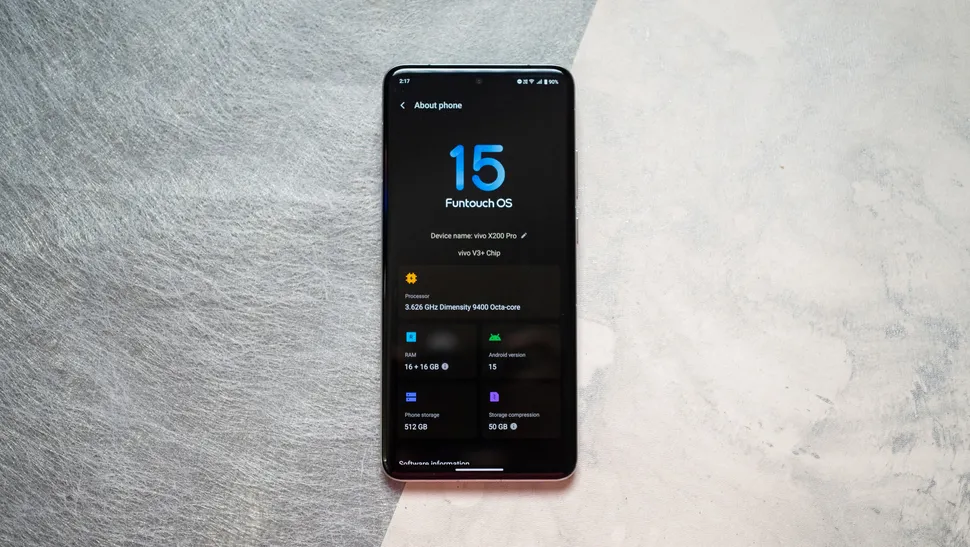
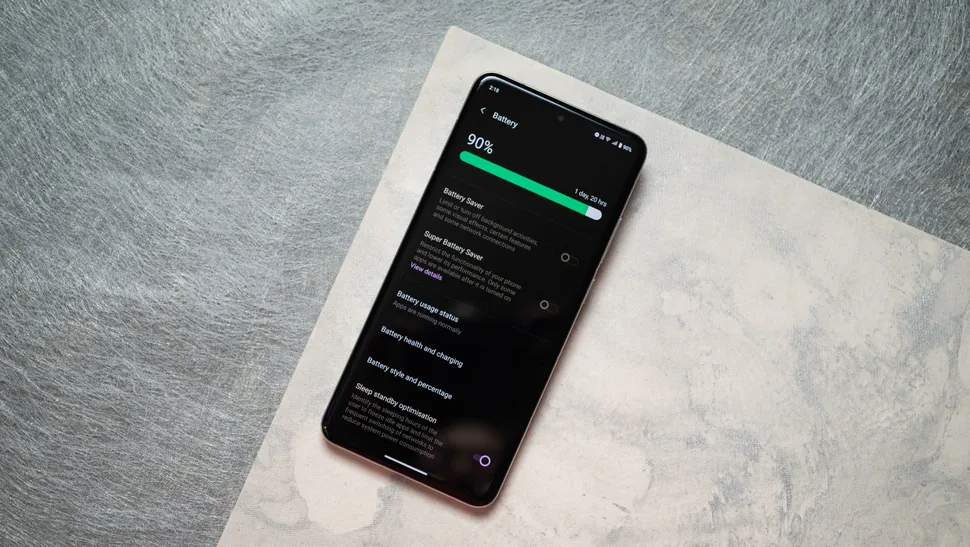
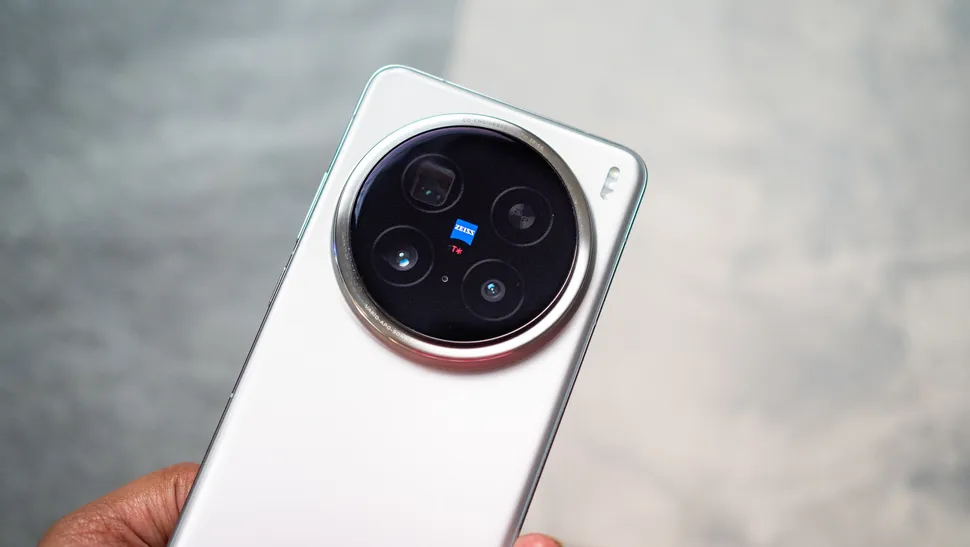

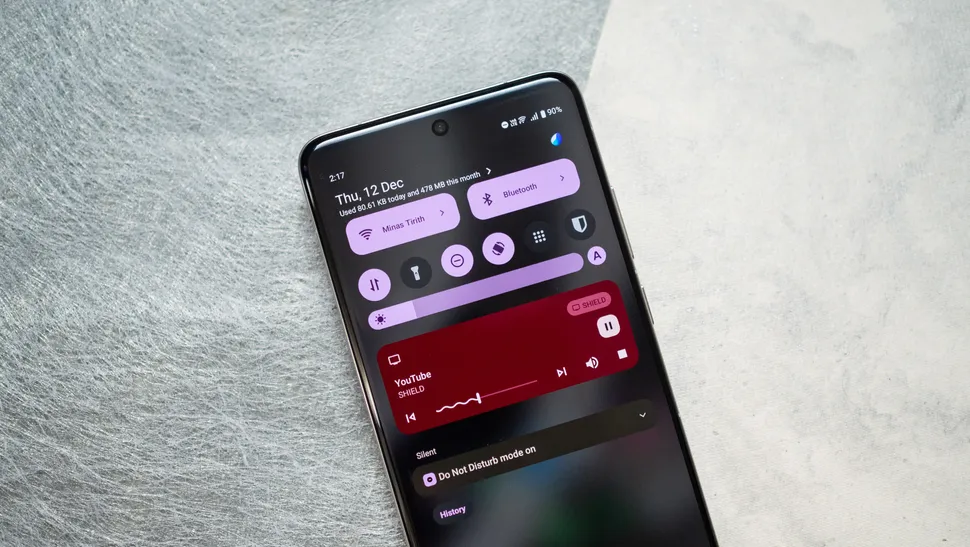
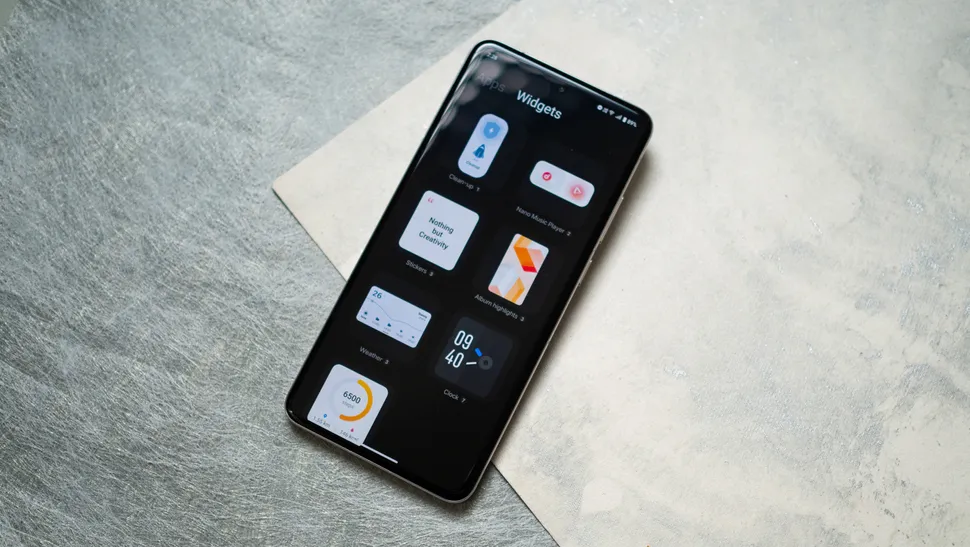
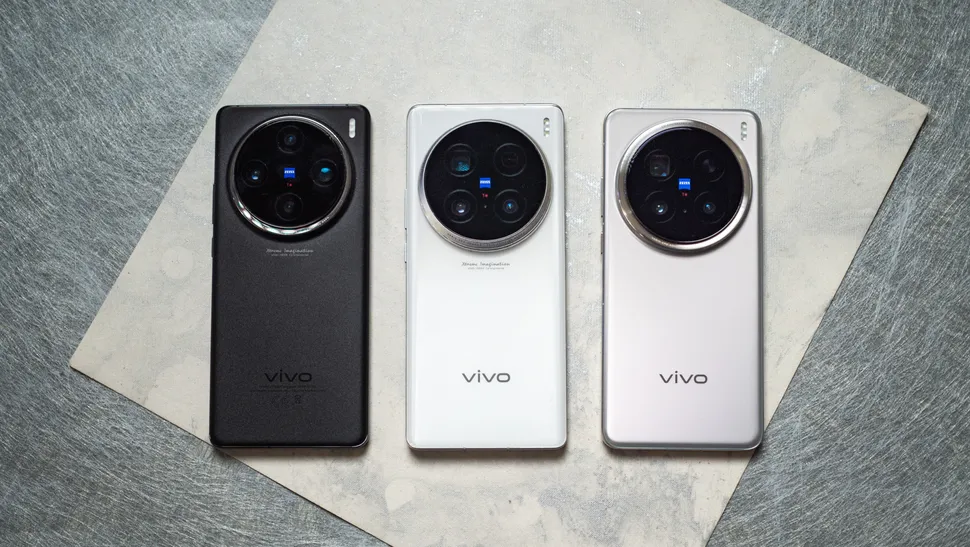 The Find X8 Pro is the closest rival to the X200 Pro, with both phones featuring the same MediaTek Dimensity platform and delivering standout cameras. With the X200 Pro confined to Asian markets, the Find X8 Pro is a viable choice if you need a device with versatile cameras. While Vivo’s phone has the edge at portrait shots and zoom, the Find X8 Pro does a great job on its own. I like Vivo’s color tuning better, and Funtouch OS is better to use than the most recent iteration of ColorOS, so the X200 Pro wins out.